¶ Palworld: How to Join a Palworld Server
Palworld servers offer endless entertainment with friends and family. In this Pokémon-like adventure, players gather resources, craft equipment, build bases, catch Pals, and battle enemies. From clearing dungeons to defeating bosses, there's always something new to try, and playing with friends enhances the experience! However, accessing the dedicated server may pose challenges or concerns for newcomers. This guide was created with the following products: Gravel Host Palworld
¶ How to Join Palworld Servers with IP Address
If you haven’t already done so, purchase a Palworld server from our Pricing Area to get started!
1. Launch Palworld, then click Join Multiplayer Game from the main menu.
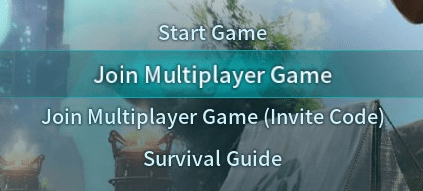
2. Proceed to enter your server IP Address:Port in the text box below.

3. If successful, you’ll load into the game!
¶ How to Join Palworld Servers with Server Name
1. Launch Palworld, then click Join Multiplayer Game from the main menu.
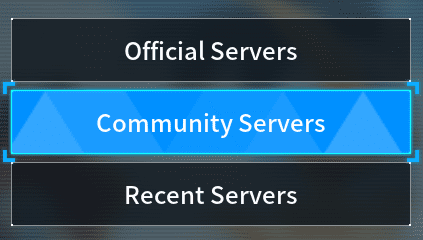
2. Proceed to type your Server Name in the text box above.
3. Click Search and your server will appear in the list.
¶ Additional Support
For more assistance regarding joining your server or other Palworld server-related queries, please visit or join our community on Discord