Applies to: Hytale on the Gravel Host Panel · Time: about 10 minutes · Difficulty: Beginner
Before anyone can join, your Hytale server must be authorized with a Hytale account. This guide walks you through the two authorization links in the console, then connecting from the game.
¶ Before you start
- A Hytale server with Gravel Host. No server yet? Get one here
- Your Hytale account login, used to approve the server.
- Your server IP and port from the panel.
- Prefer video? Watch How to Play Hytale With Friends on our YouTube channel. This part starts at 1:50.
¶ Steps
¶ Authorize your server
- Start your server in the panel. The console shows "Please visit the following URL to authenticate:". Click the link right below it.
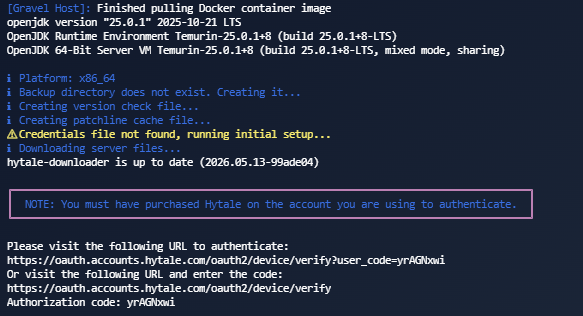
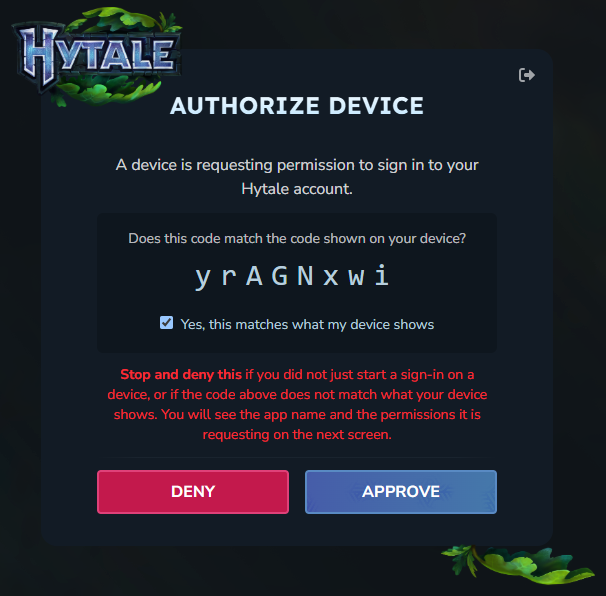
- On the authorization page, tick Yes, this matches what my device shows, click Approve and follow the login steps.
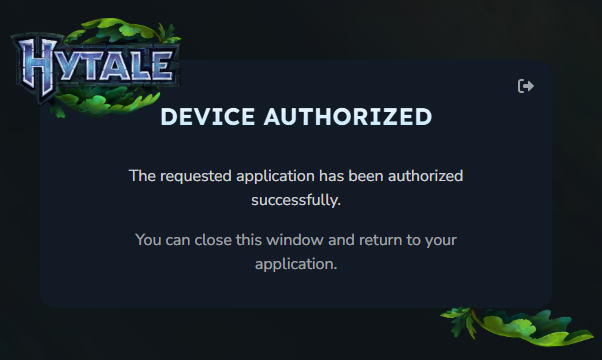
- Check that you see the Device Authorized page.
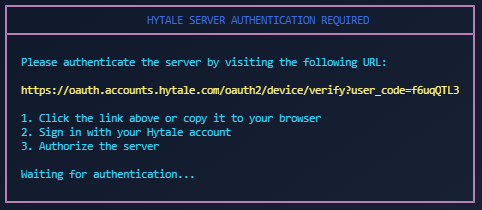
- Go back to the Gravel Host console and click the OAuth link this time. Follow the same authorization steps again.
¶ Join the server
- Launch Hytale and click Servers.
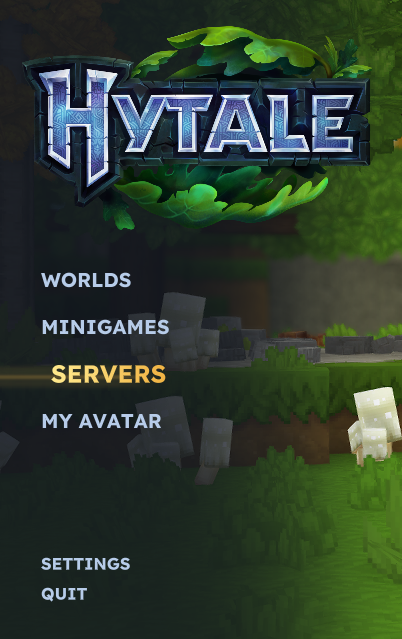
- Click Direct Connect in the bottom right corner.

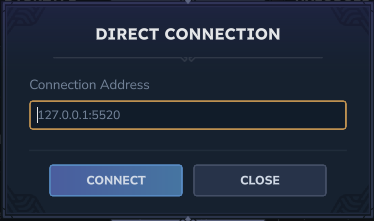
- Type your server IP followed by the port, as shown in the picture, then click Connect.
¶ Check it worked
After you click Connect, you load into your Hytale server.
¶ Related guides
Still stuck? Our team is on Discord, or open a ticket from the Billing Panel.