Applies to: Rust on the Gravel Host Panel · Time: about 5 minutes · Difficulty: Beginner
Change your Rust server's name, description, map and world seed from the Startup tab. Change only the settings you need.
¶ Before you start
- A Rust server with Gravel Host. No server yet? Get one here
The reinstall option in step 7 removes your server's files and generates a new seed when the server is reinstalled. Only turn it on if you want that.
¶ Steps
- Stop your server and make sure it is offline before you continue.
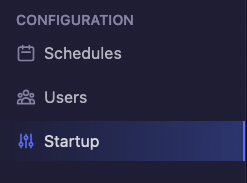
- Open the Startup tab.
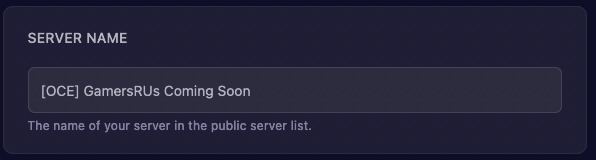
- Change the server name. This is the name shown in the public server list.
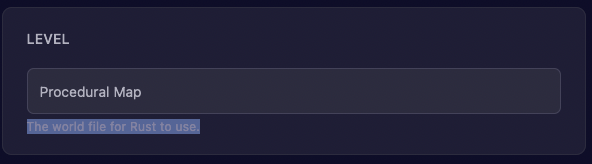
- Set the map. This is the world file Rust uses.
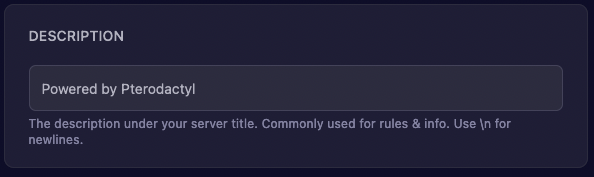
- Change the description. It appears under your server title and is commonly used for rules and info. Use
\nfor a new line.
- Set the world seed. This is the seed for a procedural map.
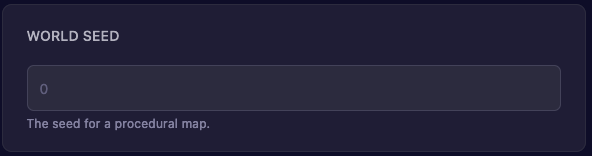
- Choose whether the server should remove its files and regenerate the seed on reinstall.
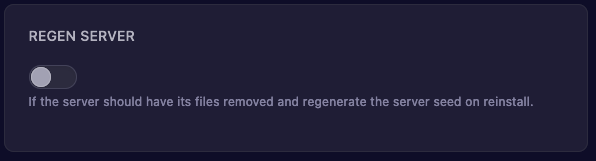
- Start the server.
¶ Check it worked
Find your server in the public server list. It shows the new name and description.
¶ Related guides
- How to Change the Player Count on Your Rust Server
- How to Switch Your Rust Server to PvE
- How to Enable OxideMod on Your Rust Server
Still stuck? Our team is on Discord, or open a ticket from the Billing Panel.