Applies to: FiveM on the Gravel Host Panel · Time: about 10 minutes · Difficulty: Intermediate
Most FiveM frameworks, such as QBCore and ESX, store player data like inventories and money in a MySQL database. This guide creates the database, connects it to your server and shows where to import an .sql file.
¶ Before you start
- A FiveM server with Gravel Host. No server yet? Get one here
- A MySQL resource on your server. Most frameworks use oxmysql. Older ones use ghmattimysql or mysql-async.
¶ Steps
¶ Create the database
- In the Gravel Host Game Panel, open your FiveM server and go to Databases.
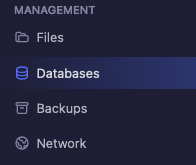
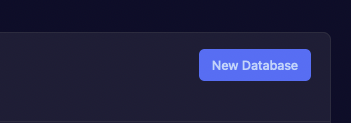
- Click New Database.
- Enter a name in Database Name. Leave Connections From empty to allow connections from anywhere.
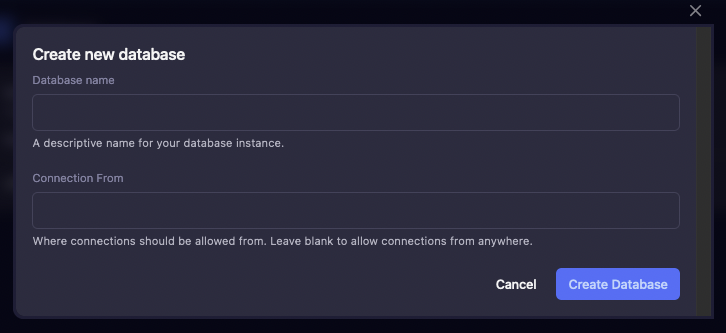
- Click Create Database. Keep the endpoint, database name, username and password it shows; you need them next.

¶ Connect it to your server
-
Open Files and click
server.cfgto edit it.
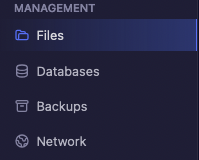
-
Add one connection string, replacing each value with your database details. Either format works:
set mysql_connection_string "mysql://databaseuser:databasepassword@endpoint:3306/databasename"set mysql_connection_string "user=databaseuser;password=databasepassword;host=endpoint;port=3306;database=databasename" -
Save the file and restart the server.
¶ Import an SQL file (optional)
- Your framework or scripts may come with an
.sqlfile. To import it, log in to the database web panel shown on your Databases tab: mysql.gravelhost.com or eu.sql.gravelhost.com.

- Select your database and import the
.sqlfile.
¶ Check it worked
Watch the Console as the server starts. Your MySQL resource should report that it connected, with no database errors.
¶ Troubleshooting
¶ "Access denied" in the console
The username or password in the connection string is wrong. Copy them again from the Databases tab, save server.cfg and restart.
¶ The resource cannot reach the database
Check the endpoint and port in the connection string match the Databases tab exactly.
¶ Related guides
- How to Set Up txAdmin on Your FiveM Server
- How to Add Your FiveM License Key
- How to Join Your FiveM Server
Still stuck? Our team is on Discord, or open a ticket from the Billing Panel.