Applies to: Minecraft Java on the Gravel Host Panel
The most useful commands for running your server. Type them in the panel Console, or in game if you are an operator.
¶ How to use these
- In the panel, open Console from the left sidebar and type a command into the command box. No
/is needed in the console.
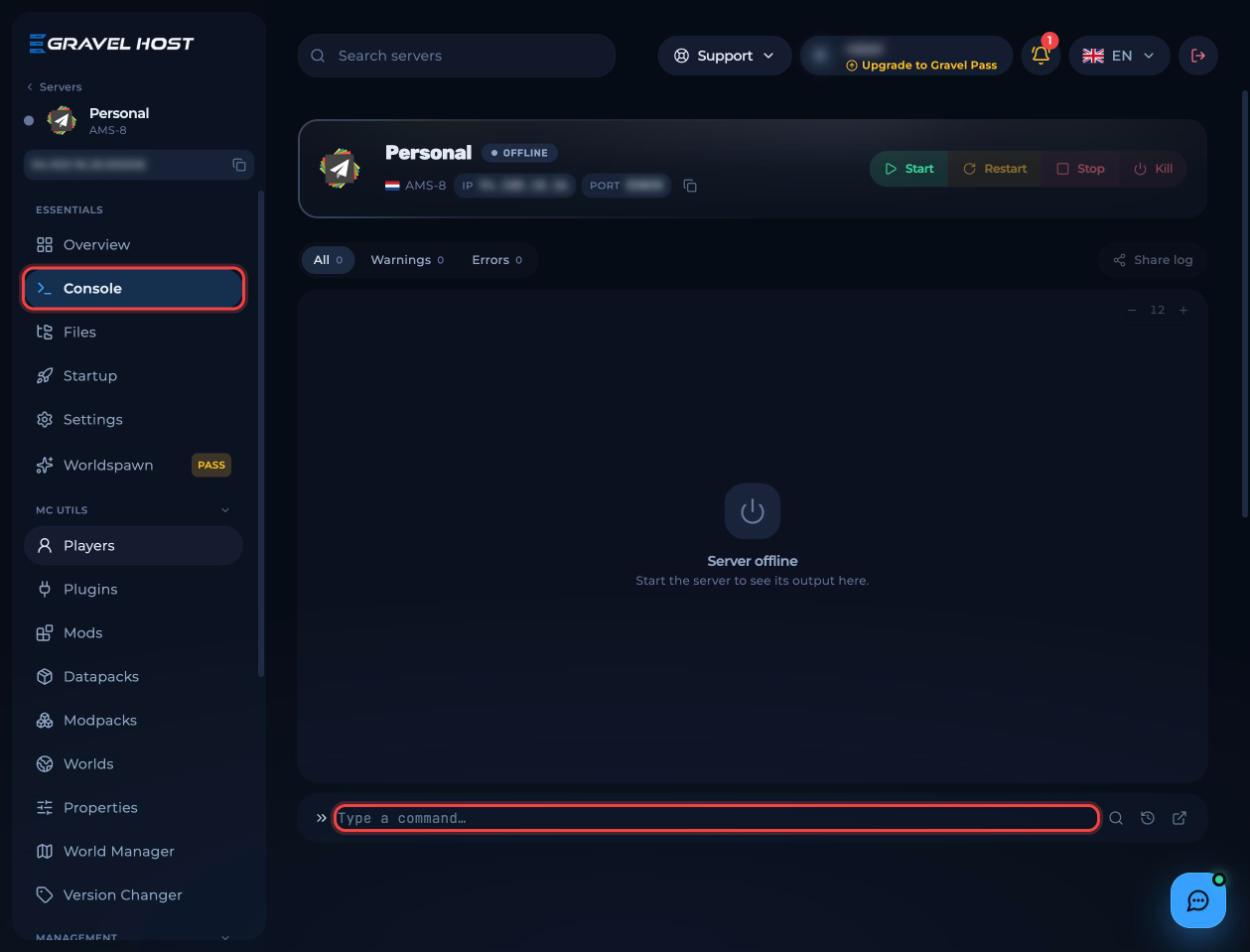
- To use them in game, make yourself an operator first with
op <username>, then type them in chat with a leading/.
Prefer video? Watch How to Op and De-Op in Minecraft on our YouTube channel.
¶ Player management
| Command | What it does |
|---|---|
op <playername> |
Gives operator status to a player |
deop <playername> |
Takes away operator status from a player |
kick <playername> |
Kicks a player from the server |
list |
Shows all connected players |
¶ Bans
| Command | What it does |
|---|---|
ban <playername> <reason> |
Bans a player, with an optional reason |
ban-ip <ip or playername> |
Bans an IP address, or the IP of a player |
banlist |
Shows all banned players |
pardon <playername> |
Removes a player from the ban list |
¶ Whitelist
| Command | What it does |
|---|---|
whitelist list |
Shows all players on the whitelist |
whitelist reload |
Reloads the whitelist |
¶ World and server
| Command | What it does |
|---|---|
save-all |
Forces the server to save the world |
save-off |
Turns off automatic world saving |
save-on |
Turns automatic world saving back on |
stop |
Stops the server |
¶ Related guides
- How to Join Your Minecraft Server
- How to Reset Player Data on Your Minecraft Server
- How to Install Datapacks on Your Minecraft Server
Still stuck? Our team is on Discord, or open a ticket from the Billing Panel.